- C++ 89.5%
- C 8.3%
- JavaScript 0.7%
- Meson 0.6%
- Python 0.5%
- Other 0.3%
| Filename | Latest commit message | Latest commit date |
|---|---|---|
| depends | ||
| icons/hicolor | ||
| images | ||
| include | ||
| protocol | ||
| src | ||
| tools | ||
| translations | ||
| .gitignore | ||
| .gitmodules | ||
| gpu-screen-recorder.desktop | ||
| gsr-ui-cli.1 | ||
| gsr-ui.1 | ||
| install.sh | ||
| LICENSE | ||
| meson.build | ||
| meson_options.txt | ||
| meson_post_install.sh | ||
| project.conf | ||
| README.md | ||
| TODO | ||
| uninstall.sh | ||


GPU Screen Recorder UI
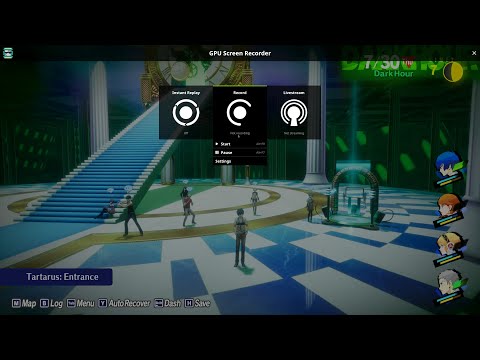
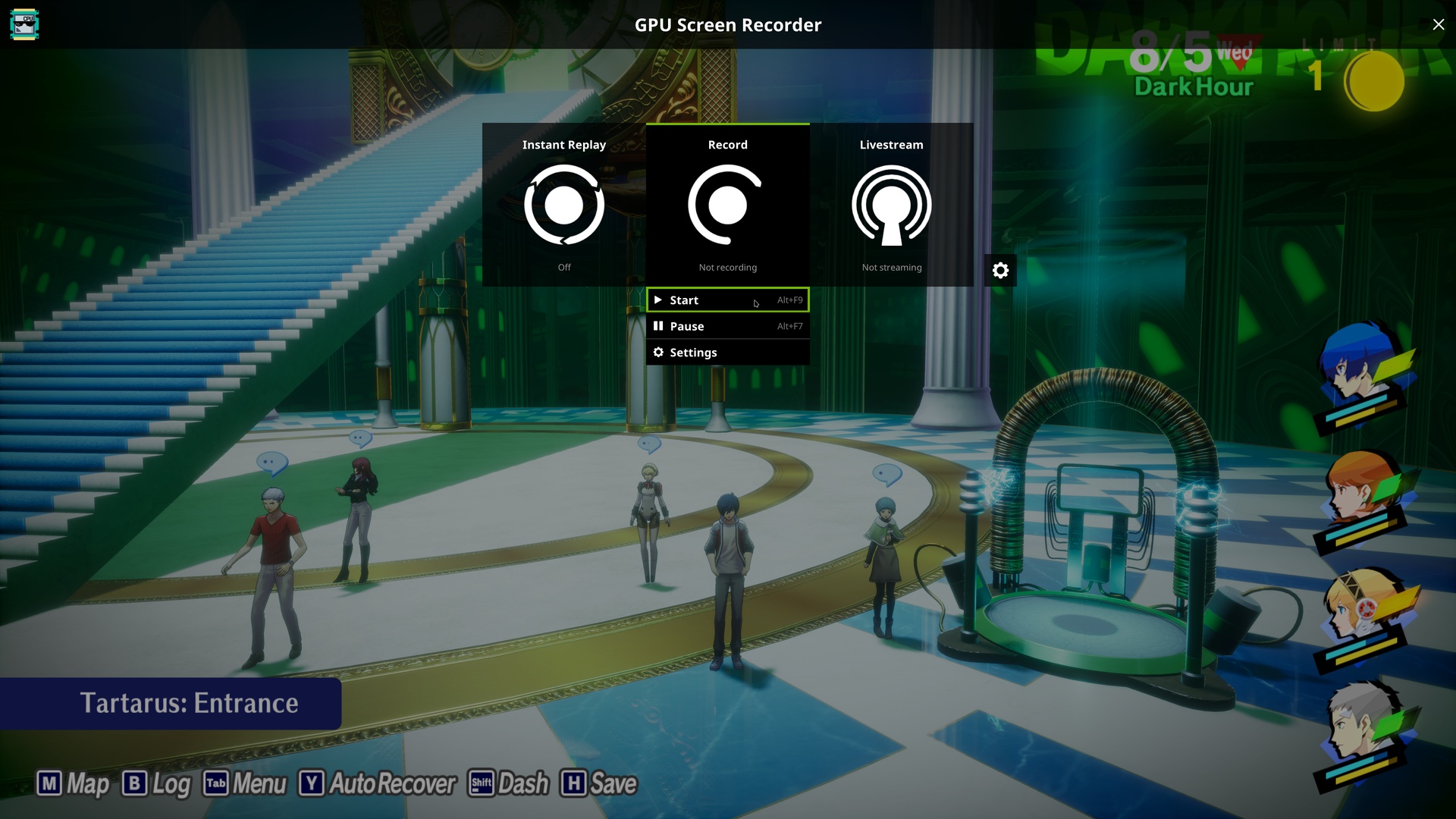
A fullscreen overlay UI for GPU Screen Recorder in the style of ShadowPlay.
The application is currently primarly designed for X11 but it can run on Wayland as well through XWayland on some platforms and native Wayland on others, with some caveats because of Wayland limitations.
Installation
If you are running an Arch Linux based distro then you can find gpu screen recorder ui in the official repositories under the name gpu-screen-recorder-ui (sudo pacman -S gpu-screen-recorder-ui).
If you are running another distro then you can run sudo ./install.sh, but you need to manually install the dependencies, as described below.
You can also install gpu screen recorder from flathub which includes this UI.
Note that the program (or more specifically gsr-global-hotkeys) has to be installed to a location that is mounted without nosuid.
Usage
Start the program by running gsr-ui or clicking on GPU Screen Recorder on your desktop or in your application launcher.
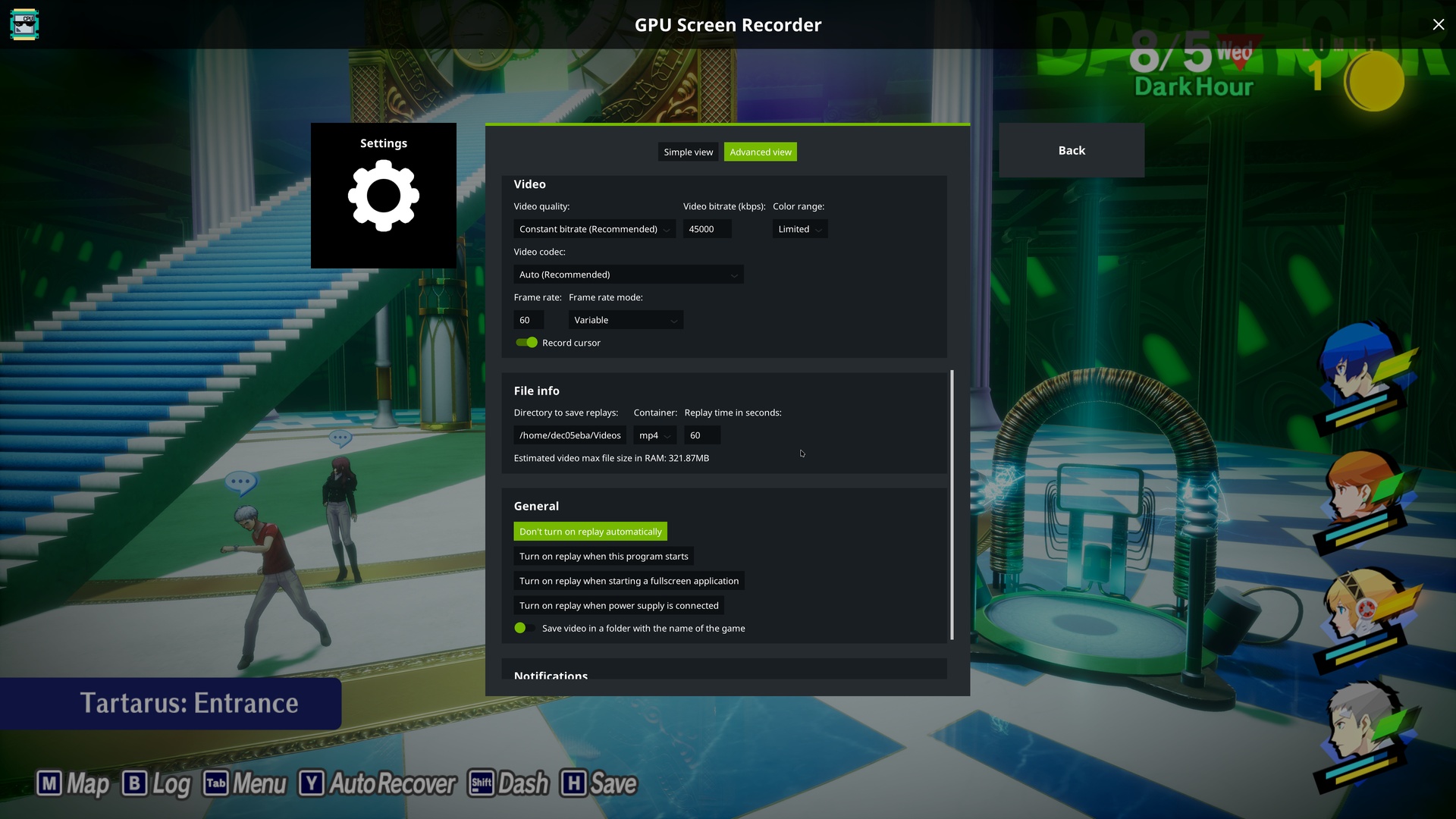
Press Left Alt+Z to show/hide the UI. Go into the settings (the icon on the right) to view all of the different hotkeys configured.
If you want the program to start on system startup and have it running in the background where it can be controlled with the hotkeys at any time
then open the UI and go into the settings (the icon on the right) and enable "Start program on system startup?".
The application will be added to ~/.config/autostart/gpu-screen-recorder-ui.desktop. This will be launched automatically when you use a desktop environment,
but if you use a minimal window manager then you need to use a XDG autostart program such as dex (for example run dex -a -s ~/.config/autostart at startup),
or launch the program manually from your window manager startup script.
A program called gsr-ui-cli is also installed when installing this software. This can be used to remotely control the UI. Run gsr-ui-cli --help to list the available commands.
Dependencies
GPU Screen Recorder UI uses meson build system so you need to install meson to build GPU Screen Recorder UI.
Build dependencies
These are the dependencies needed to build GPU Screen Recorder UI:
- x11 (libx11, libxrandr, libxrender, libxcomposite, libxfixes, libxext, libxi, libxcursor)
- wayland (wayland-client, wayland-egl, wayland-scanner)
- libxkbcommon
- libglvnd (which provides libgl, libglx and libegl)
- linux-api-headers
- libpulse (libpulse-simple)
- libdrm
- libdbus
- libpango (pangoft2)
- setcap (libcap)
Runtime dependencies
There are also additional dependencies needed at runtime:
- GPU Screen Recorder (version 5.0.0 or later)
- GPU Screen Recorder Notification
Translation guide
GPU Screen Recorder UI uses its own translation system for it. See the translations/template.txt file for the translation template.
Each translation is in its own file based on the locale name, such as translations/ja.txt for the japanese translation.
You can translate the program without building it from source code by copying the translation file to /usr/share/gsr-ui/translations/ folder (if installed as a system package) or to /var/lib/flatpak/app/com.dec05eba.gpu_screen_recorder/current/active/files/share/gsr-ui/translations/ (if installed as a flatpak).
You can test the translation by using the LANG environment variable, for example LANG=ja gsr-ui.
Program behavior notes
By default this program has to grab all keyboards and creates a virtual keyboard (gsr-ui virtual keyboard) to make global hotkeys work on all Wayland compositors.
This might cause issues for you if you use keyboard remapping software. To workaround this you can go into settings and select "Yes, but only grab virtual devices" or "Yes, but don't grab devices".
If you use keyboard remapping software such as keyd then make sure to make it ignore "gsr-ui virtual keyboard" (dec0:5eba device id), otherwise your keyboard can get locked
as gpu screen recorder tries to grab keys and keyd grabs gpu screen recorder, leading to a lock.
If you are stuck in such a lock where you cant press and keyboard keys you can press (left) ctrl+shift+alt+esc to close gpu screen recorder and remove it from system startup.
License
This software is licensed under GPL-3.0-only, see the LICENSE file for more information.
images/default.cur it part of the Adwaita icon theme which is licensed under CC BY-SA 3.0.
The controller buttons under images/ were created by Julio Cacko and they are licensed under CC0 1.0 Universal.
The PlayStation logo under images/ was created by ArksDigital and it's licensed under CC BY 4.0.
tools/gsr-game-tracker builds a native non-steam games list from the ananicy-rules project which is licensed under GPL-3.0.
Reporting bugs, contributing patches, questions or donation
See https://git.dec05eba.com/?p=about.
I'm looking for somebody that can create sound effects for the notifications.
Demo
Screenshots
Known issues
- The background of the UI is black when opening the UI while a Wayland application is focused on COSMIC. This is an issue with COSMIC.
- When the program is first installed and launched on GNOME the game name (folder) is just "Game" instead of the actual game name (window title). To fix this you have to logout and login once after the initial install, to load the gnome extension that is installed on the system.
FAQ
I use a non-qwerty keyboard layout and I have an issue with incorrect keys registered in the software
This is a KDE Plasma Wayland issue. Use setxkbmap <language> command, for example setxkbmap se to make sure X11 applications (such as this one) gets updated to use your languages keyboard layout.
"Save to clipboard" option doesn't work for screenshots
Some Wayland compositors don't support copying images on the clipboard between X11 and Wayland applications. GPU Screen Recorder UI is an X11 application. It can't be done properly on Wayland since Wayland doesn't support a non-focused application from setting the clipboard, so it can't work with GPU Screen Recorder hotkey usage. Use X11 if you want a functioning desktop.
The controller hotkey and steam overlap (home button brings up steam overlay)
You can either disable the steam overlay or in steam click Steam->Settings->Controller and then click "Begin Test" under "Test Device Inputs". Click on "Setup Device Inputs" and configure controller buttons there and when you get to the home button press X to unbind it from steam.
The UI looks messed up on my Wayland system
Wayland doesn't support GPU Screen Recorder UI properly. Some Wayland environments can display GPU Screen Recorder UI pretty well (such as KDE Plasma and Gnome) while others can't. This is an issue in Wayland and it may be the case that it will never be fixed. Use X11 if you experience issues.